Mail Relay con smtp2go
Cómo realizar mail relay con smtp2go.com (gratis 1.000 emails / mes)
SMTP2GO
SMTP2GO Setup Guides
Setting up Postfix Smarthost with SMTP2GO
Instalar Postfix
sudo apt install postfix
sudo apt install libsasl2-modules
o si ya está instalado Postfix:
sudo dpkg-reconfigure postfix
Usuario creado en smtp2go
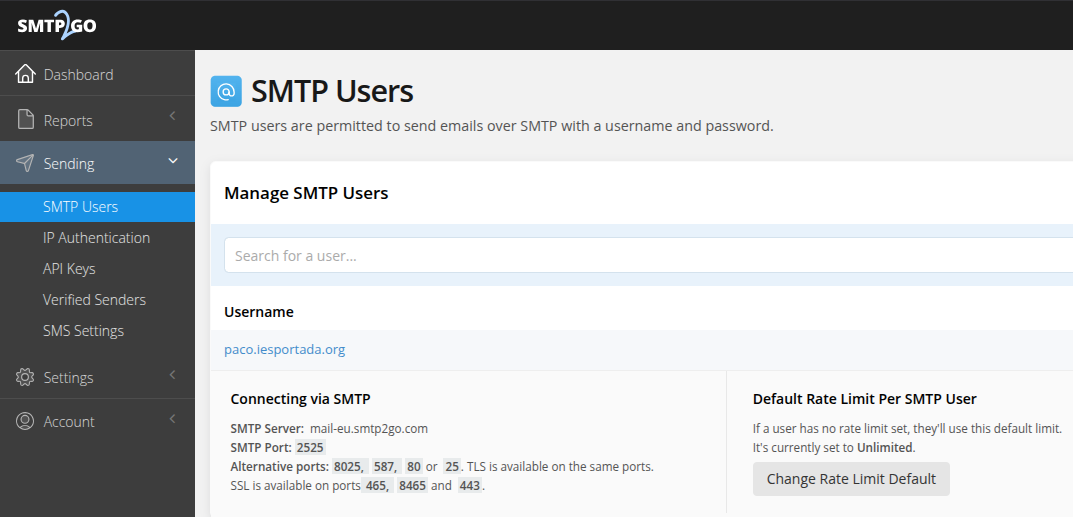
fichero /etc/postfix/main.cf
# See /usr/share/postfix/main.cf.dist for a commented, more complete version


# Debian specific: Specifying a file name will cause the first
# line of that file to be used as the name. The Debian default
# is /etc/mailname.
#myorigin = /etc/mailname

smtpd_banner = $myhostname ESMTP $mail_name (Ubuntu)
biff = no

# appending .domain is the MUA's job.
append_dot_mydomain = no

# Uncomment the next line to generate "delayed mail" warnings
#delay_warning_time = 4h

readme_directory = no

# See http://www.postfix.org/COMPATIBILITY_README.html -- default to 3.6 on
# fresh installs.
compatibility_level = 3.6

# TLS parameters
smtpd_tls_cert_file=/etc/ssl/certs/ssl-cert-snakeoil.pem
smtpd_tls_key_file=/etc/ssl/private/ssl-cert-snakeoil.key
smtpd_tls_security_level=may

smtp_tls_CApath=/etc/ssl/certs
smtp_tls_security_level=may
smtp_tls_session_cache_database = btree:${data_directory}/smtp_scache

smtpd_relay_restrictions = permit_mynetworks permit_sasl_authenticated defer_unauth_destination
myhostname = packer-69dae5cf-6e37-d167-a475-b04306c7c752
alias_maps = hash:/etc/aliases
alias_database = hash:/etc/aliases
mydestination = packer-69dae5cf-6e37-d167-a475-b04306c7c752, alumnoportada.com.es, localhost.localdomain, , localhost

# relayhost = mail.smtp2go.com

mynetworks = 127.0.0.0/8 [::ffff:127.0.0.0]/104 [::1]/128
mailbox_size_limit = 0
recipient_delimiter = +
inet_interfaces = all
inet_protocols = all
myorigin = /etc/mailname

smtp_sasl_auth_enable = yes
smtp_sasl_password_maps = static:usuario:password
smtp_sasl_security_options = noanonymous
smtp_tls_security_level = may
header_size_limit = 4096000
relayhost = [mail.smtp2go.com]:2525
relay_destination_concurrency_limit = 20
Dominio verificado en smtp2go.com:
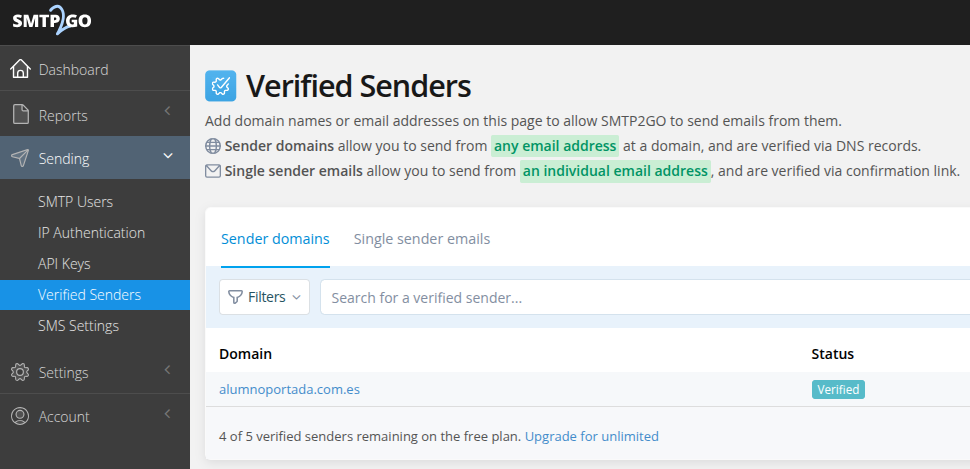
Es necesario cambiar el nombre del equipo para poner el del dominio alojado, para que coincida el emisor (usuario@dominio) con el dominio verificado en smtp2go.com:
sudo nano /etc/hostname
alumnoportada.com.es
Enviar un correo de prueba:
sudo apt install mailutils
mail -s "Email de prueba" paco.portada@protonmail.com <<< "Este es el cuerpo del correo"
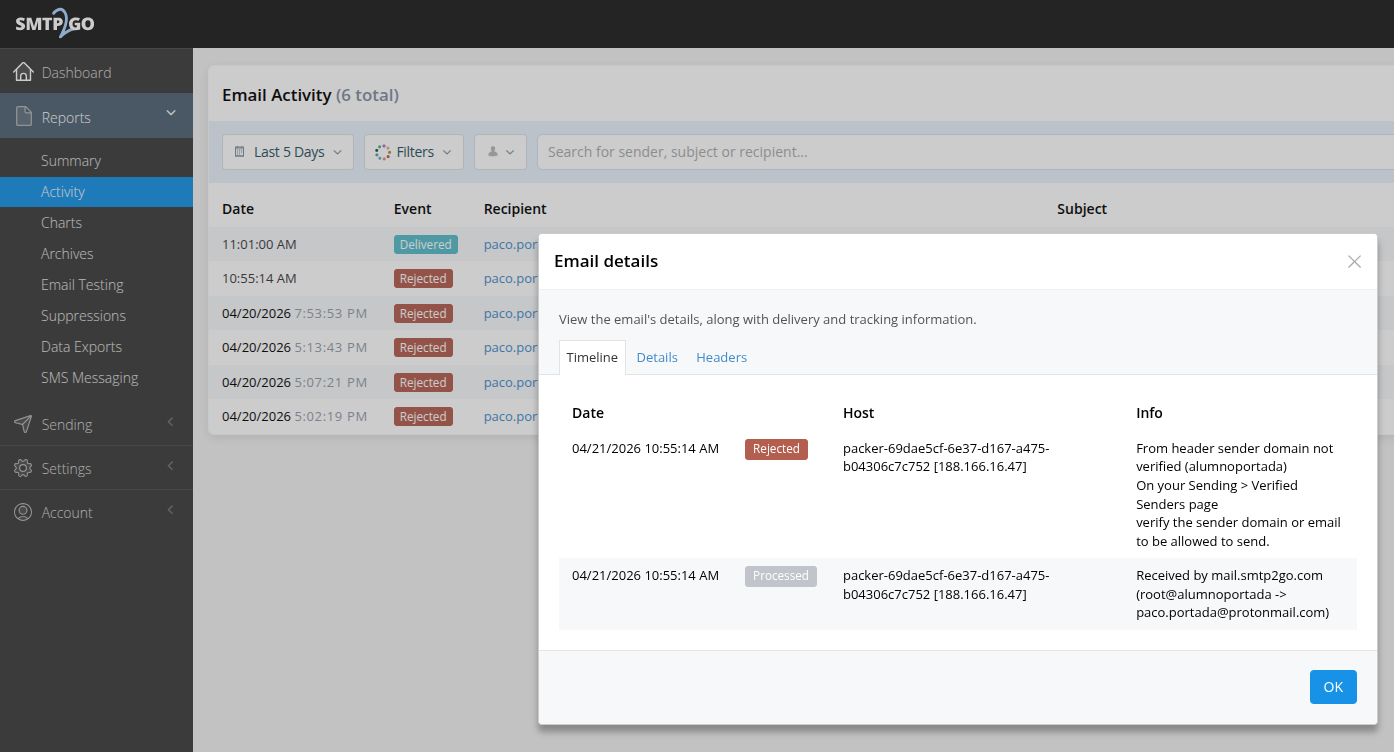
Problemas en el envío de correo:
Revisar el log del servidor de correo:
sudo nano /var/log/mail.log
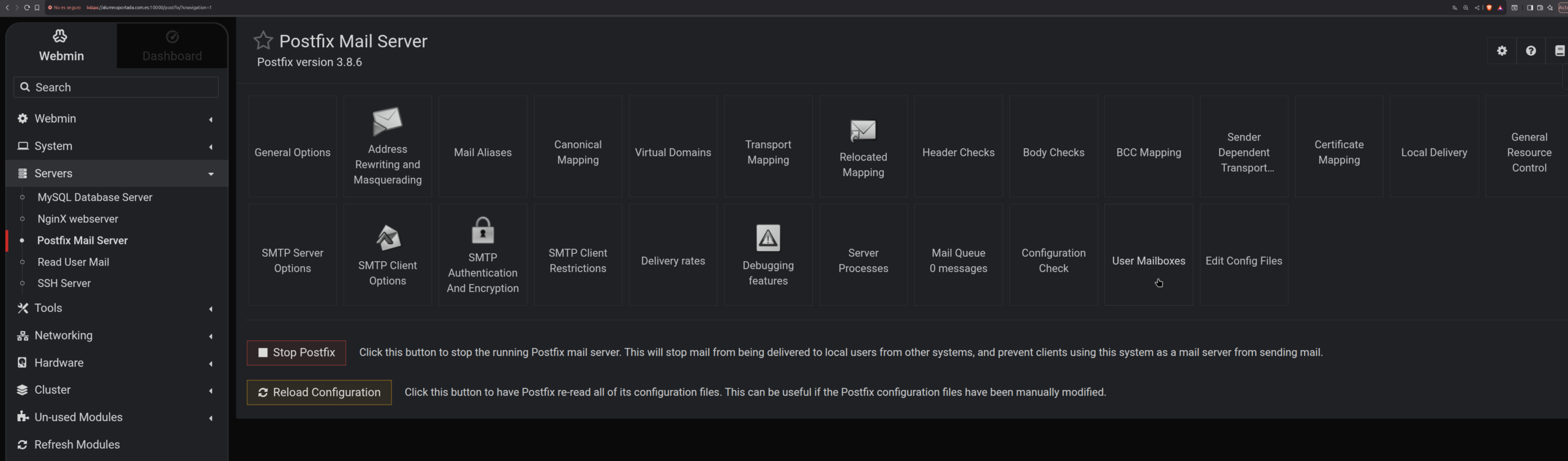
Revisar los mailboxes de los usuarios en Webmin
Revisar la actividad en smtp2go.com
Deja una respuesta
Lo siento, debes estar conectado para publicar un comentario.